
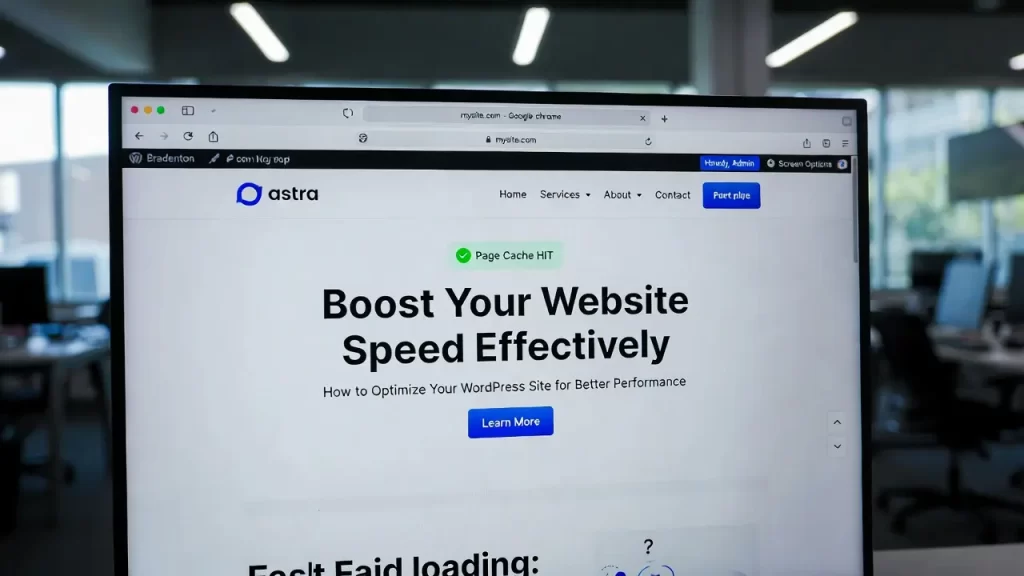
How To Boost Website Speed Effectively in 2026
In 2026, fast websites are essential for user satisfaction and search visibility. Slow load times increase bounce rates, hurt conversions, and impact rankings via Google’s Core Web Vitals—metrics for loading (LCP), interactivity (INP), and stability (CLS). These remain key ranking signals, especially for small businesses in local search like Bradenton or Sarasota, where better user experience helps dominate Map Pack results.
Rule #1: Build strong foundations first. Proper structure, optimized images, and clean code matter more than plugins alone. Caching tools “wrap up” the work—they polish a well-optimized site, not fix poor basics. Speed is one factor among many; great content and relevance still rule.
Core Foundations: Optimize Before Plugins
Focus here during website redesign or build:
- Lightweight theme: When working in WordPress, I always choose the Astra theme—it’s the most reliable, stable, and frequently updated option without extra fluff. Its ultra-lightweight core (under 50KB) loads blazing fast out of the box, scores high on Core Web Vitals, and pairs perfectly with modern tools for small-business sites.
- Clean structure: Logical headings, minimal plugins, efficient markup—see why in our website structure guide.
- Image optimization first: Resize to 2x display size max (try ImageResizer.com), compress losslessly (WebP format preferred), add lazy loading (loading=”lazy”) and async decoding (decoding=”async”) for non-visible images.
- External media: Embed YouTube/Vimeo videos—never self-host.
- Light animations: Replace GIFs with Lottie files for efficiency.
Test early with Google PageSpeed Insights, GTmetrix, or similar to spot issues.
Final Layer: Caching and Polish
Once foundations are solid, add a caching plugin. I use LiteSpeed Cache (excellent on LiteSpeed servers) for its built-in image optimization, minification, and advanced features. Alternatives: WP Rocket (premium ease) or FlyingPress (simple setup).
Key settings to enable:
- Full-page caching.
- Image compression/optimization.
- Lazy loading and async attributes.
- CSS/JS minify + defer non-critical scripts.
Plugins excel on optimized sites—weak basics limit gains.
Why Speed Boosts Your Small Business
A 1-second delay can spike bounce rates and drop conversions. For small businesses, faster loads improve Core Web Vitals, reduce frustration, and strengthen local SEO signals—helping your site rank higher locally.
Ready for a faster site? Start with a professional website redesign to nail the basics. Contact us for help optimizing your WordPress site!